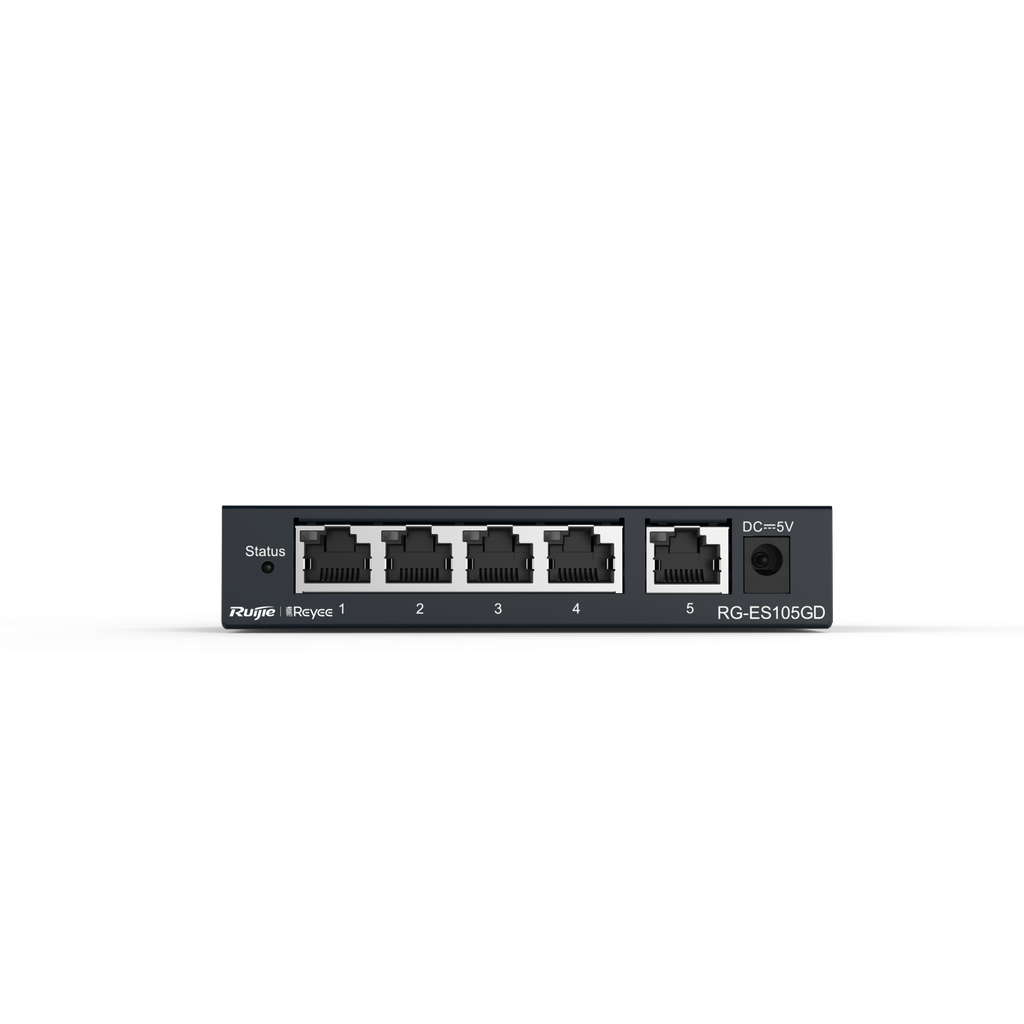
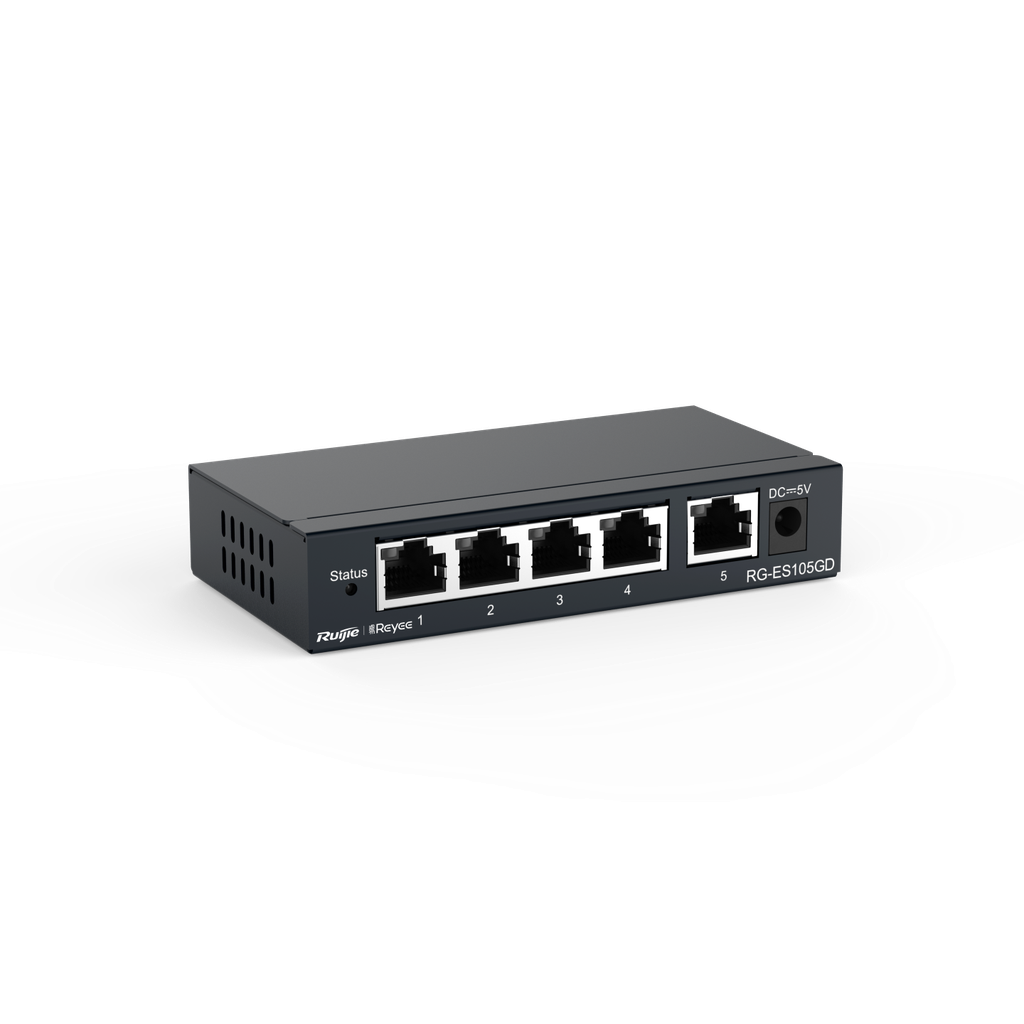
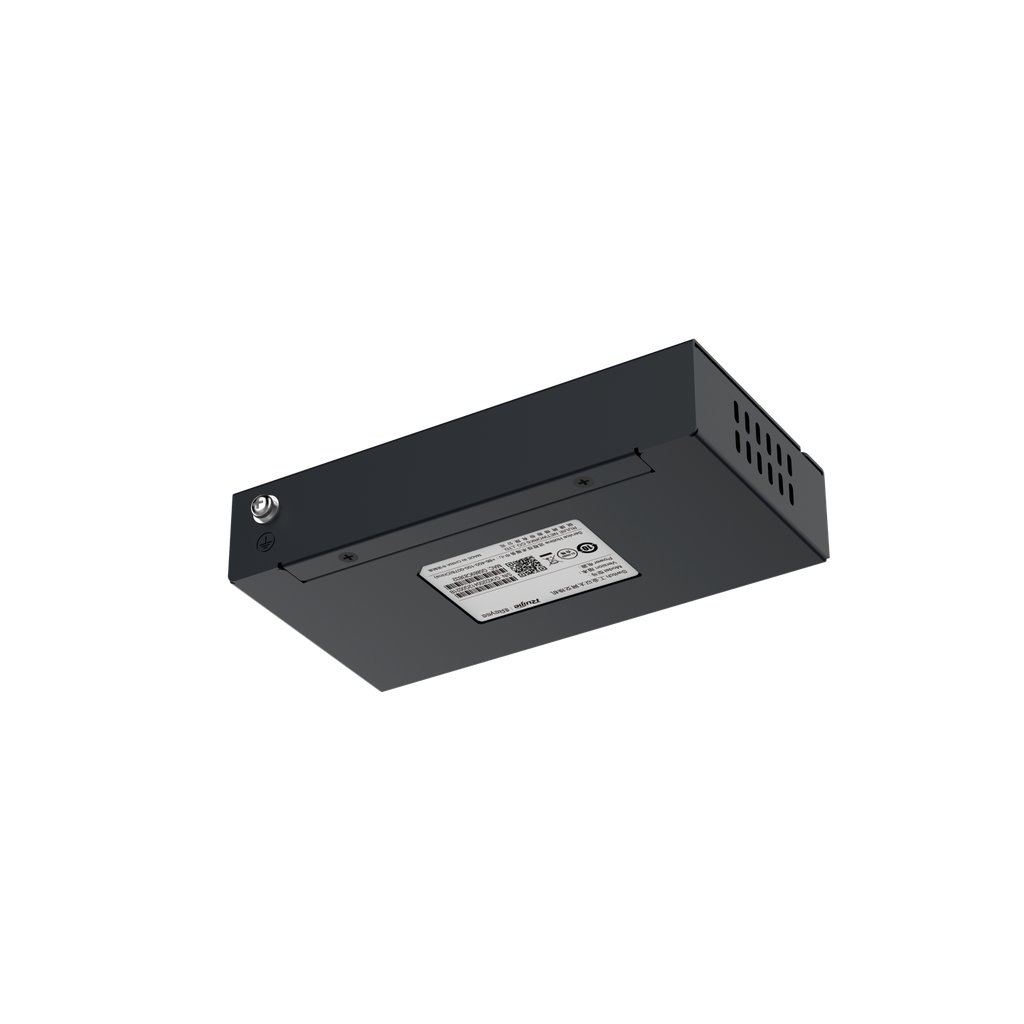
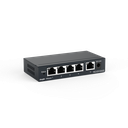
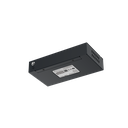
The 5-Port Gigabit Unmanaged Switch is designed for seamless connectivity in your network. With five Gigabit RJ45 ports, it ensures high-speed data transfer and reliable performance.
Housed in a sturdy steel case, this switch is perfect for both home and office environments, providing a robust solution for your networking needs.
- Product Name: 5-Port Gigabit Unmanaged Switch
- Model: RG-ES105GD
- Category: Networking / Switches
- Ports: 5 Gigabit RJ45 Ports
- Material: Steel Case
| Feature | Details |
|---|---|
| Product Name | 5-Port Gigabit Unmanaged Switch |
| Internal Reference | RG-ES105GD |
| Ports | 5 Gigabit RJ45 Ports |
| Case Material | Steel |
| Category | All / الشبكات / السويتشات |
- May be suitable for connecting computers, printers, and other devices in a home network.
- Can be used in small office setups to enhance network connectivity.
- Ideal for users requiring high-speed connections for data-intensive applications.
- 5-Port Gigabit Unmanaged Switch
- Power Adapter
- User Manual
This product comes with a standard warranty for quality assurance. For support, please contact our customer service.
What is a 5-Port Gigabit Unmanaged Switch?
It is a networking device that connects multiple devices within a local area network.
How many ports does this switch have?
The switch has five Gigabit RJ45 ports.
What material is the switch made of?
The switch is housed in a durable steel case.
Who can use this switch?
This switch is suitable for home users and small office environments.
The 5-Port Gigabit Unmanaged Switch is a networking device designed to connect multiple devices within a local area network (LAN). It features five Gigabit RJ45 ports and is housed in a durable steel case. This switch is suitable for home or small office environments where high-speed data transfer is required without complex configuration.
The 5-Port Gigabit Unmanaged Switch is a networking device suitable for home or small office users needing to connect multiple devices for high-speed data transfer.

To install this Web App in your iPhone/iPad press
 and then Add to Home Screen.
